
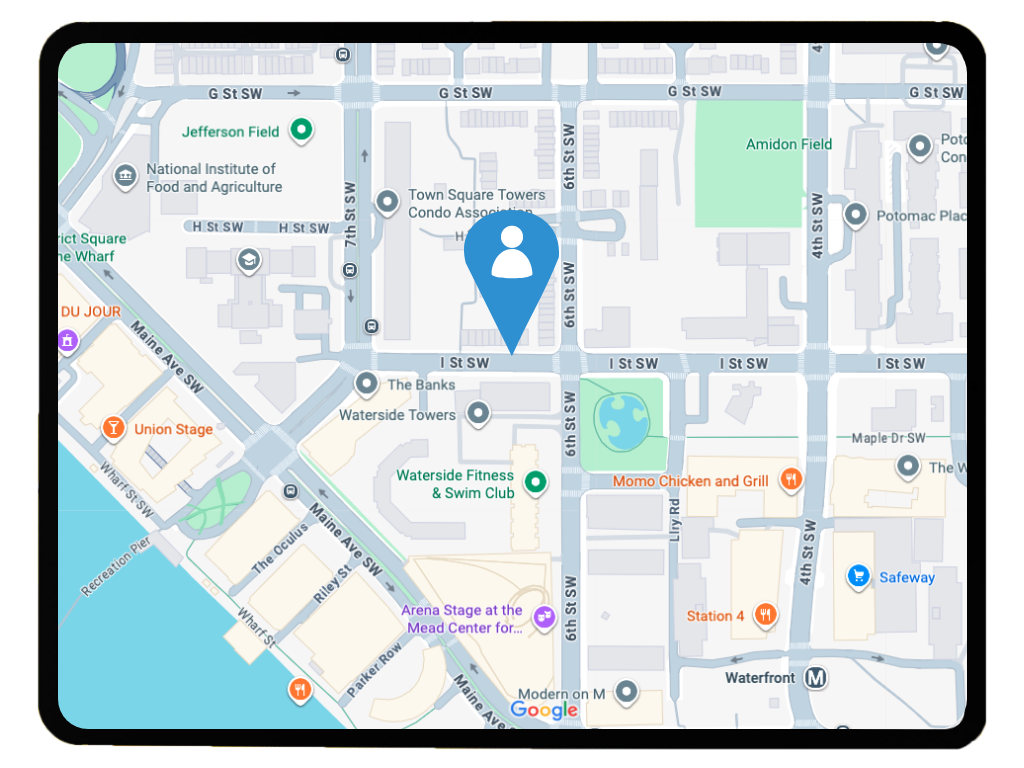
Latest Location: Lone Worker Location Feature
Keep track of your lone or remote workforce with the Latest Location feature. This geolocation tool sends location updates to SoloProtect Insights, helping you improve visibility, efficiency, and support for your mobile teams.
How the Latest Location Feature Works
When enabled, the Latest Location feature sends geolocation data to the SoloProtect Insights platform at set intervals. Managers can log into the platform to view the location data of their workforce on a simple map interface. The map also displays working status data (e.g. on-shift, off-shift, or on leave) providing operational oversight, helping to reduce safety risk and enabling better resource planning.

Location data: streamlining your business

Benefits of Using Latest Location
How Latest Location Is Used

Locate
The device or app sends geolocation data to SoloProtect Insights at set intervals using secure, cloud-based tracking.

Review
Managers can view location data on a digital map — ideal for field-based operations, logistics, or remote teams.

Status
Access additional details like user working status (on-shift, off-shift, leave.)

Respond
Use location data to make informed decisions — from verifying lone worker safety to improving route efficiency.
Our Lone Worker Devices and Apps
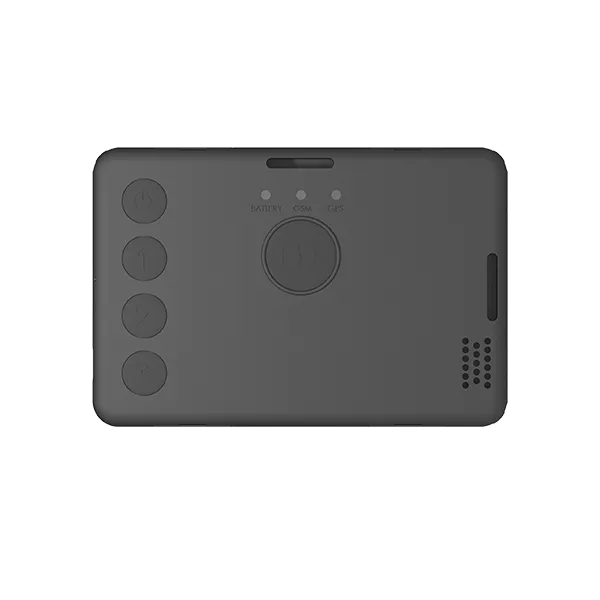
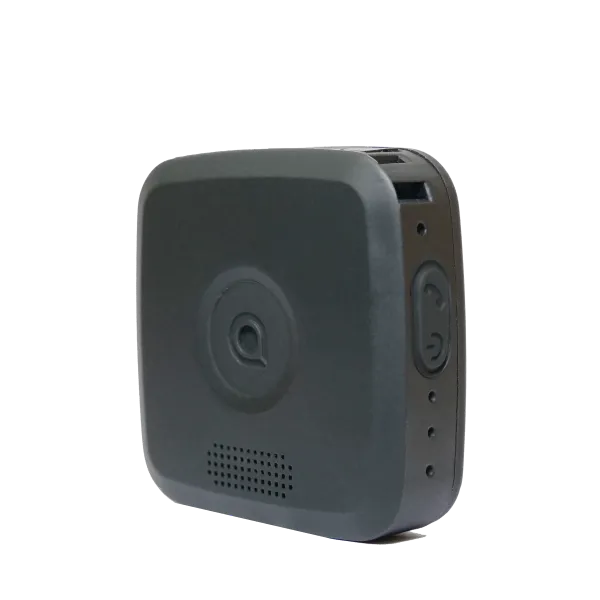
Keep visibility of your lone workers with SoloProtect’s geolocation data— available on our touchscreen devices and app. Track movement, view location data and manage your team efficiently from one place.
.png)


Frequently Asked Questions About the Latest Location Safety Feature
How does the Latest Location tracking feature work?
The feature uses geolocation data to send location updates from a user’s touchscreen device or mobile app to SoloProtect Insights. These locations are securely stored and visualised on a digital map for managers to view.
You can read the blog: GPS Tracking for Lone Workers: Improve Safety & Business Efficiency

Can managers see other details besides location?
Yes. SoloProtect Insights also displays the user’s shift status (on/off/leave) giving full visibility into your lone worker fleet.
What types of teams benefit from using Latest Location tracking?
Any organisation with a mobile workforce — such as delivery drivers, engineers, social care teams, or housing officers — can benefit from location updates.
What if the Latest Location feature is turned off?
Is worker location tracking safe and compliant with data privacy?
Yes. All location sharing is encrypted and configurable to meet your company’s privacy policies. Users can toggle location tracking on or off based on guidelines.

.svg)
.svg)

.svg)
.svg)
.svg)
.svg)
.svg)


